Know before you feel it
POTS can buzz and play a sound when your heart rate crosses a limit, on iPhone and Apple Watch. A heads-up is an early, gentler signal; an alert is stronger.

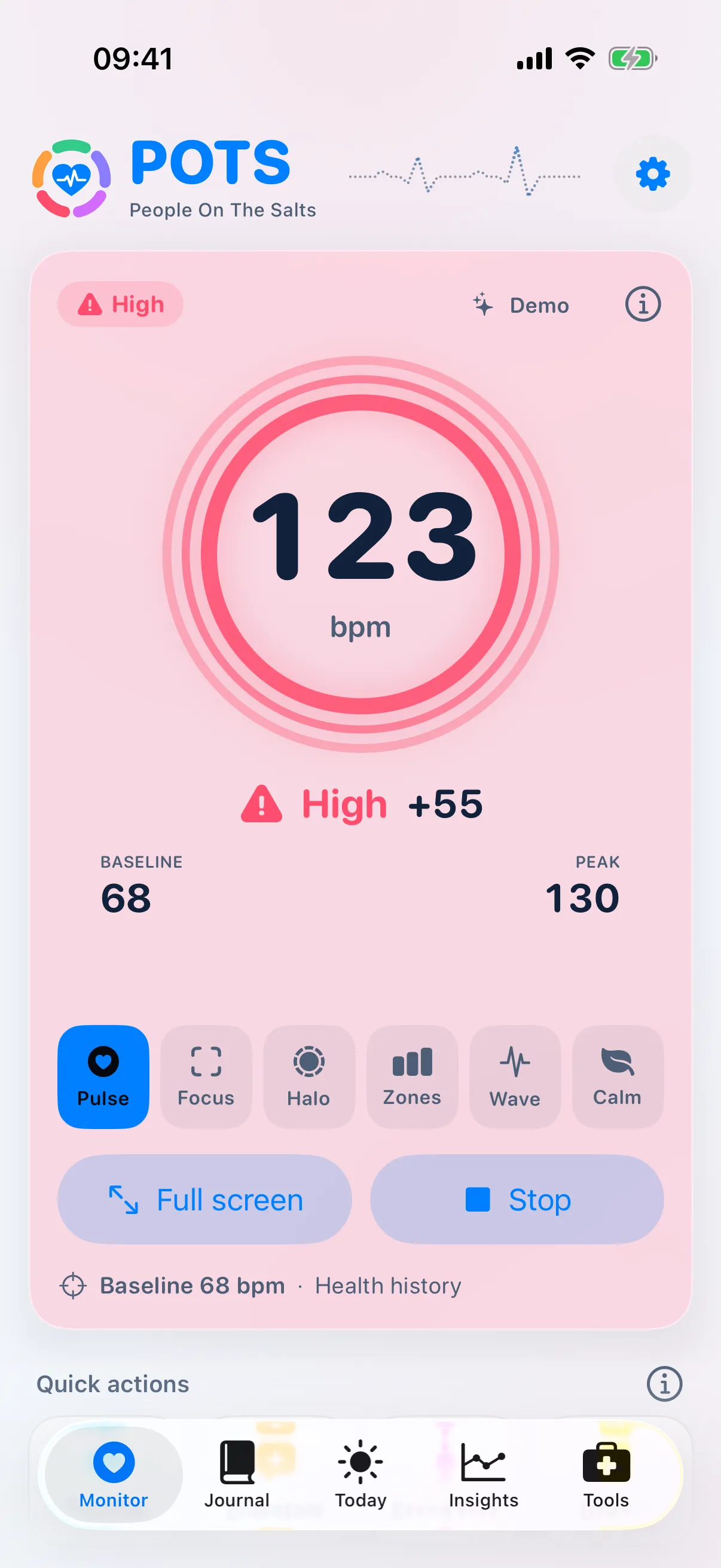
What it does
- Four kinds of limit
- High heart rate, rise above baseline, low heart rate and drop below baseline, each with a heads-up and an alert level.
- Sensible presets
- Standard to start, Gentle for fewer alerts, Teen (12–19) for the +40 bpm rise used for that age group, or Custom.
- No false alarms from one jump
- A limit has to be crossed for a few seconds (15 seconds with Standard), so moving your arm will not buzz you.
- Rapid-rise heads-up
- An early signal when your heart rate climbs quickly. It works best when readings arrive at least every 8 seconds, and tells you when they do not.
How to use it
Open Settings › Alerts
Choose an Alert sensitivity preset.
Fine-tune if you need to
Pick Custom and set your own numbers in Alert limits. Ask your clinician which suit you.
Allow notifications
So alerts reach you even when POTS is in the background.
Standard defaults: heads-up at 120 bpm or +30, alert at 140 bpm or +50; low heads-up at 50 bpm or −30, low alert at 45 bpm or −50. POTS never chooses clinical thresholds for you.
Bring the whole story to your next appointment.
Free to download. Premium from $2.99 a month, with a 7-day free trial for eligible new subscribers.