Heart rate at a glance, right on your wrist
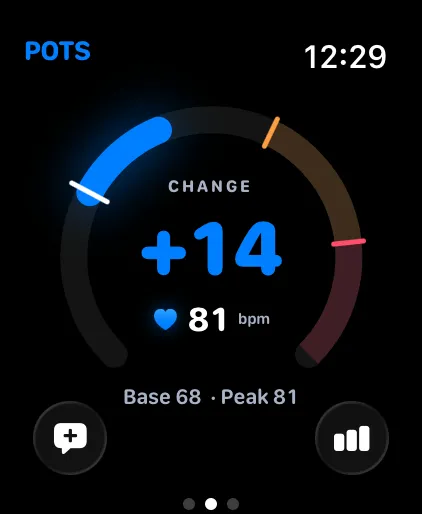
Your Apple Watch measures your heart rate and shows it at a glance, even when your iPhone is in your pocket. Sessions sync to your iPhone when you are done.

What it does
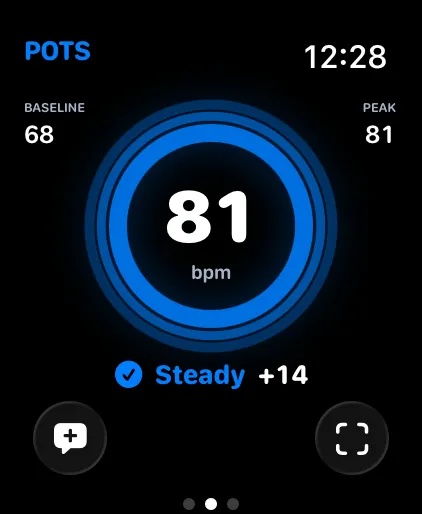
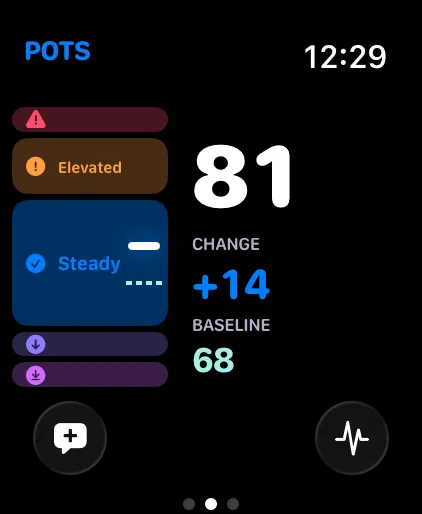
- Six styles on the wrist
- The same Pulse, Focus, Halo, Zones, Wave and Calm views as on iPhone, in the order you set.
- Haptic heads-ups
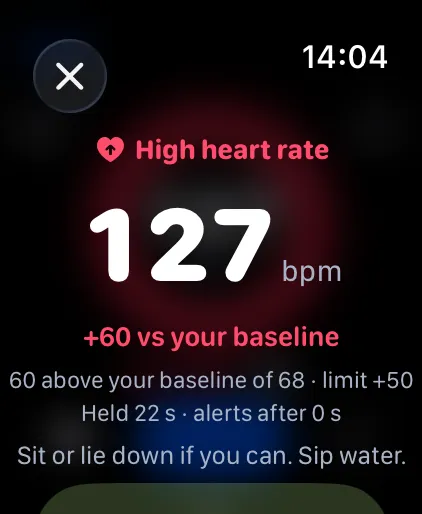
- A tap on the wrist when you reach a heads-up or alert limit, high or low.
- A Breathe button when it helps
- When your heart rate is Rising, Elevated or High, a Breathe button appears so you can start a guided exercise straight away.
- Log a symptom from your wrist
- Your six most recent symptoms are one tap away.
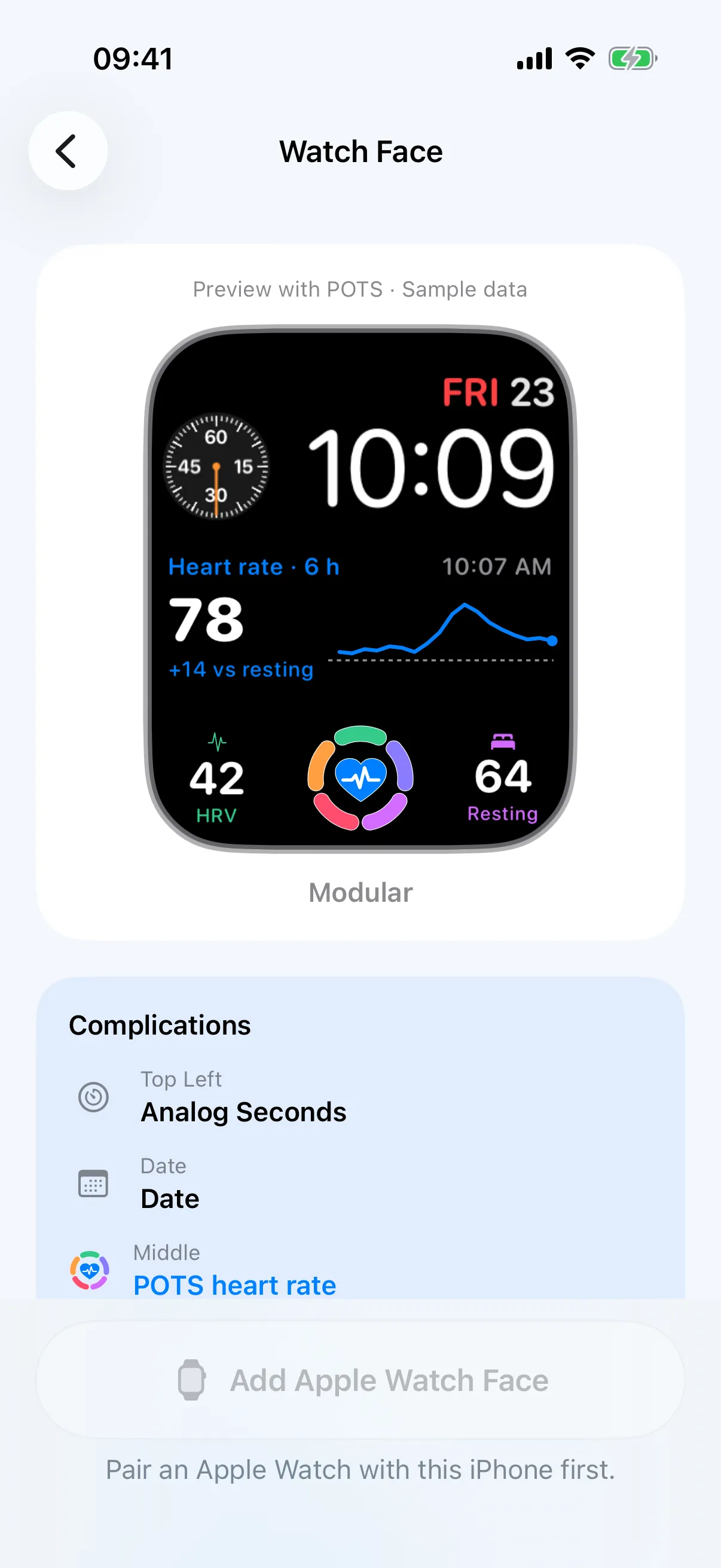
- Complications and faces
- Start POTS from your watch face with a complication, or pick a ready-made POTS face.
- Clear when it is getting ready
- “Starting” while it waits for the first readings, and “Reconnecting” if they pause. No silent gaps.
How to use it
Install
The POTS watch app installs with the iPhone app. Open it once so the two can connect.
Start
Tap Start on your watch, or Start on Apple Watch from the iPhone.
Glance
Raise your wrist to see your heart rate, state and change.
Requires Apple Watch with watchOS 10 or later, paired with an iPhone running iOS 17 or later.
Bring the whole story to your next appointment.
Free to download. Premium from $2.99 a month, with a 7-day free trial for eligible new subscribers.